

 100% Secure


 Windows®
Desktop Multi-Algorithm Repair vs. Browser & Cloud Tools

Free browser repair pages and cloud upload portals work for small, non-confidential files with minor header errors, but they hit strict hardware and privacy walls on large or heavily damaged archives.
| Evaluation Criterion | Recovery Toolbox for Zip | Browser Tools (WebAssembly) | Cloud Upload Services | WinRAR Keep Broken Files |
|---|---|---|---|---|
| Max Archive Size | Unlimited (ZIP64 >4 GB) | 2 GB to 4 GB RAM limit | 100 MB to 2 GB upload limit | Unlimited |
| Scanning Depth | Multi-pass signature scan | Single-pass header parser | Server-side black box | Single-pass extraction only |
| Data Privacy | 100% local on Windows PC | Local browser sandbox | Uploaded to external server | 100% local on PC |
| Multipart & LAN Support | Full support | Unsupported | Unsupported | Manual volume handling |
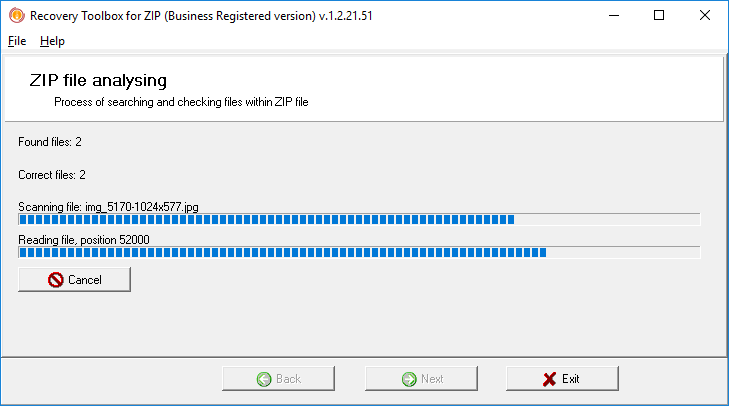
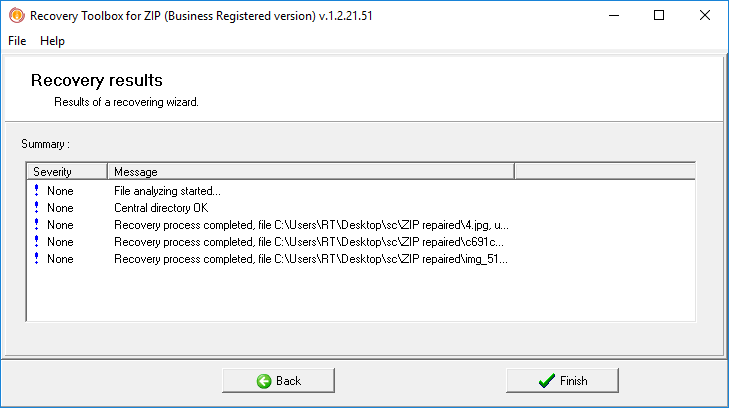
| Pre-Recovery Verification | Free file tree + scan log | Basic entry list | Partial web report | No preview before extraction |
Key Takeaway: Browser-based utilities load the archive into a browser tab's memory buffer (WebAssembly), which freezes or crashes on multi-gigabyte backups over 2–4 GB, while cloud services require uploading private documents to external servers. Recovery Toolbox for Zip streams data directly from your local drive or LAN network share without memory bottlenecks.